

Host on Railway
On your own computer, Verentis only answers to 127.0.0.1 and unlocks with a token link. To share it with a co-founder, host it on Railway in hosted mode: it answers only to your own address over HTTPS, and each person signs in with an email and password.
What runs where
Section titled “What runs where”| Piece | Where it lives |
|---|---|
| The web app and the agent loop | One Railway service, built from the repository’s Dockerfile |
| Database, account briefs, footprints, evaluations | A Railway volume mounted at /app/data |
| Trained product config, keys saved in Settings | The same volume (/app/data/config) |
| API keys and settings | Railway variables |
| Claude | Your Claude subscription, through the Claude CLI in the container |
1. Create the service
Section titled “1. Create the service”- In Railway, choose New Project, then Deploy from GitHub repo, and pick
VerentisAI/verentis-app. Railway readsrailway.jsonand builds theDockerfile. - Open the service, go to Settings, then Volumes, and add a volume with mount path
/app/data. - Under Settings, Networking, press Generate Domain. Note the address, for example
verentis-production.up.railway.app. Add your own domain there too if you want one (for exampleapp.verentis.ai).
Keep one replica. The volume can only be attached to one running copy, so a redeploy has a few seconds of downtime.
2. Set the variables
Section titled “2. Set the variables”Under Variables, add:
| Variable | Value |
|---|---|
VERENTIS_HOSTED |
1 |
VERENTIS_PUBLIC_HOSTS |
Your custom domain, for example app.verentis.ai. The Railway domain is added automatically. Separate several with commas. |
VERENTIS_AUTOSTART_AGENTS |
1 to start the agent loop with the server |
CLAUDE_CODE_OAUTH_TOKEN |
Your Claude login for the server (see step 3) |
| Mail, verifier and data keys | The same names as in .env, for example REOON_API_KEY, SERPER_API_KEY, TYPESAFE_API_KEY |
Variables are encrypted by Railway and never sent to the browser.
3. Give the server your Claude login
Section titled “3. Give the server your Claude login”Verentis thinks with your Claude subscription through the Claude CLI.
-
On your own computer, run:
Terminal window claude setup-token -
Sign in in the browser window it opens. It prints a long-lived token.
-
Paste it into Railway as
CLAUDE_CODE_OAUTH_TOKEN, then redeploy.
The token lasts about a year and is not renewed automatically. Put a reminder in your calendar.
If Claude calls fail with “401 invalid bearer token”, sign in inside the container instead. The login is kept on the volume, so you only do this once:
railway sshclaude-loginRemove CLAUDE_CODE_OAUTH_TOKEN from the variables afterwards, so it doesn’t override the login.
4. Create the accounts
Section titled “4. Create the accounts”There is no sign-up page. Create accounts on the server with the Railway CLI:
railway sshverentis user add you@yourcompany.com --name "Your name" --admin --generateverentis user add cofounder@yourcompany.com --name "Co-founder" --admin --generateEach command prints a one-time password once. Share it privately. To change your own later:
verentis user password you@yourcompany.com| Command | What it does |
|---|---|
user add <email> [--admin] [--generate] |
Create an account. --admin also opens the superadmin console. |
user list |
List accounts. |
user password <email> |
Set a new password and sign that person out everywhere. |
user disable <email> / enable |
Lock an account out, or let it back in. |
5. Sign in
Section titled “5. Sign in”Open your address. Sign in with your email and the one-time password.
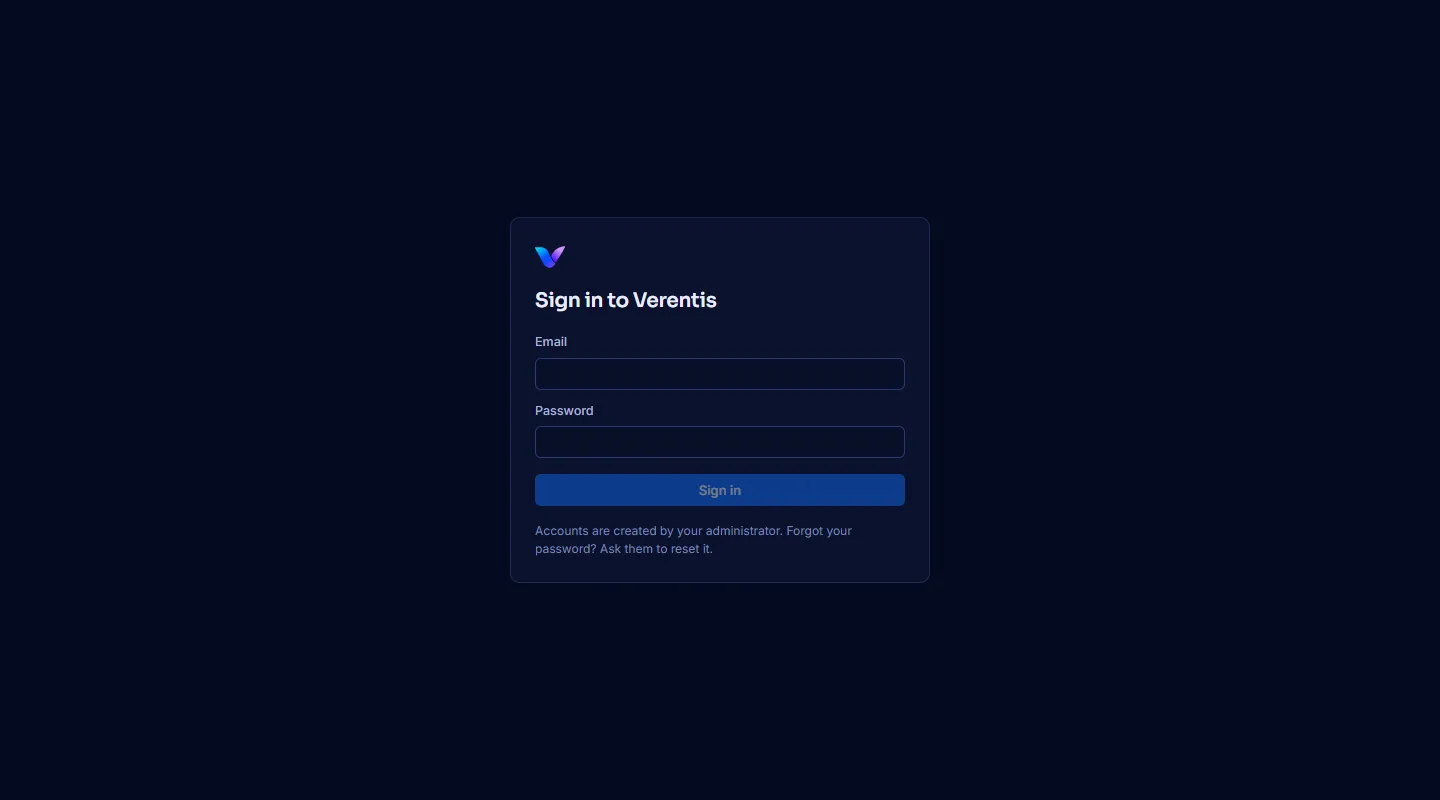
- Sessions last 14 days from the last visit, across tabs. Sign out is in the Help menu.
- Administrators also get Superadmin console in the Help menu.
- Five wrong passwords in 15 minutes pause sign-in for that email and address.
6. Bring your product config
Section titled “6. Bring your product config”Training writes verentis.local.yaml and skills/product_knowledge.md, which never go into Git. Either train on the server:
railway sshverentis train https://your-company.comor copy in the files you already have: over railway ssh, paste each one into /app/data/config/verentis.local.yaml and /app/data/config/skills/product_knowledge.md. Both survive redeploys.
Security, in short
Section titled “Security, in short”- Only the addresses in
VERENTIS_PUBLIC_HOSTSand the Railway domain are answered, over HTTPS. - Sign-in sessions are sent as an
Authorizationheader, never a cookie, so other websites cannot use them. Only a hash of each session is stored. - Passwords are stored with scrypt. Changing a password or disabling an account ends its sessions.
- The container runs as an unprivileged user once the volume is prepared.
- The local token link does not work on a hosted server.
Troubleshooting
Section titled “Troubleshooting”| Symptom | Fix |
|---|---|
| “This server only answers to its configured address.” | Add the address you used to VERENTIS_PUBLIC_HOSTS. |
| The deploy fails its health check | Check the deploy logs. VERENTIS_HOSTED=1 and VERENTIS_PUBLIC_HOSTS must both be set. |
| “No accounts yet” in the logs | Create one with verentis user add (step 4). |
| The agents are stopped after a redeploy | Set VERENTIS_AUTOSTART_AGENTS=1, or press Start the agents on the Agent page. |
| Claude calls fail | See step 3. verentis status --check tests the Claude CLI without using quota. |